Vectorworks 2027: Rig Schematics, Cable Connectivity, and Listening Plane Top the Spotlight Changes
By: Justin Lang on September 16, 2026
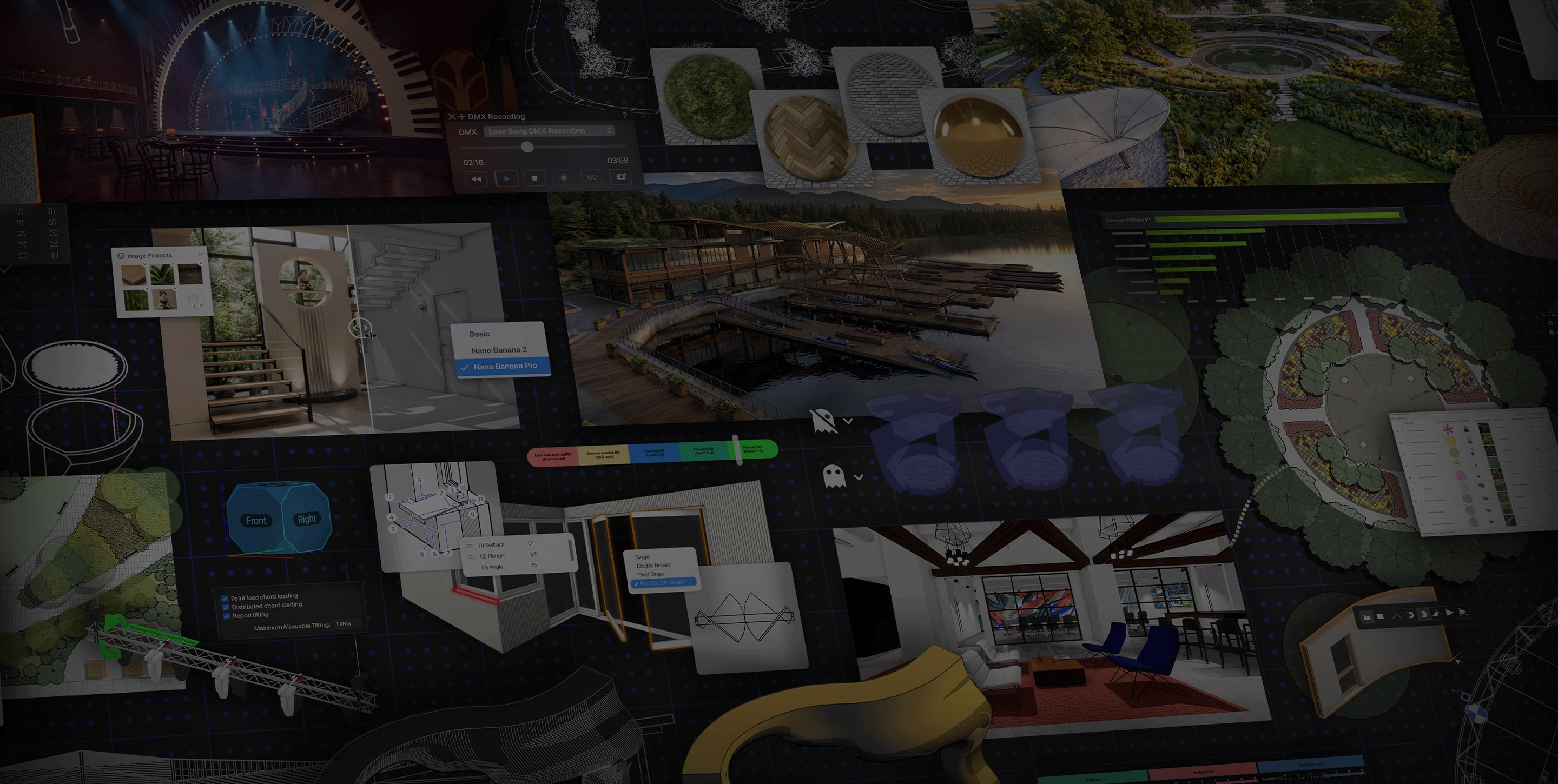
Vectorworks 2027 is out, and for Spotlight users the headline changes are improved rig schematic workflows, a reworked cable connectivity system, a reorganized lighting device Object Info palette, and a new Listening Plane object for audio analysis in the model. The Exchange, a community content hub for importing and sharing Vectorworks-ready resources, is also live, along with a modernized graphics engine and AI rendering via Nano Banana.
Entertainment / Spotlight
- Rig Schematic Workflows — Pick rig faces visually, mark each schematic with its orientation, reuse saved creation sets across shows, and auto-apply label legends, data tags, and dimensions. Less manual cleanup, more consistent drawings show to show.
- Cable Connectivity — Define connections at the device or symbol level, edit distributor internals visually, and get cable tools that respect breakout and break-in lengths. Power and data planning from a single connected source that updates as the design changes.
- Lighting Device OIP Redesign — Parameters grouped into collapsible sections that mirror real-world workflows. Save custom layouts to reuse across projects.
- Listening Plane (Audio) — Build measurement grids, visualize sound coverage data from external audio analysis tools via MVR exchange, and assign speakers as true speaker objects instead of lighting devices.
- MVR & GDTF Control — Edit GDTF gobos directly in the file, filter which MVR layers and data get imported, and assign GDTF fixture modes via drag-and-drop.
- Pan & Tilt Inversion — Invert pan/tilt movement per device in Showcase to fix reversed looks without touching DMX or repatching.
- Rig Validation (Braceworks) — Snap loads, bridles, and hoists into place with precision; clearer load hierarchy for faster check and verification.
- Socket Placement — Smart defaults remember last-used settings; automatic naming prevents duplicate socket names on schematic devices.
Platform-Wide Highlights
- The Exchange — Community resource hub for discovering, importing, and sharing Vectorworks-ready content directly inside the app
- Graphics Engine — Modernized GPU-accelerated engine for smoother navigation and faster interactive rendering of large models across Shaded, Wireframe, and Showcase workflows; reduced memory usage
- Nano Banana AI Rendering — AI rendering inside Vectorworks for subscription customers; free unlimited model for iterations, with Nano Banana Pro/2 tiers for 2K detail (subscription only)
- PBR Textures — Modern physically-based rendering texture system with live previews; one-click conversion of older textures; shared render-ready surfaces across visualization tools
- DXF/DWG Dynamic Block Support — Import AutoCAD dynamic blocks as editable symbols or single Dynamic Objects with type dropdowns
- Revit Family Import — Import Revit families as single dynamic objects with type metadata; swap configurations from the OIP
- Google Maps in Geolocation Wizard — Subscription only; align surveys, point clouds, and GIS layers around a single survey point with Google Maps imagery
- Morpholio Trace integration — Send scale-accurate sheets to iPad for sketching and bring sketches back in as images or linework
Vectorworks 2027 is available now for active subscription and Service Select customers. Learn more at vectorworks.net.

LatestHeadlines
- Cameo's ZIYA Series Splits the Difference Between Wash and Punch in an IP65 Package
- Luminex GigaCore Firmware v1.9.2: IGMP and QSFP Fixes for O26-I, SFP Tuning
- Disguise Replaces Disguise Cloud with MyDisguise, Teases X Series Launch
- Weekend Roundup — September 21–26, 2026
- Neutrik's FIBERFOX Line Gets Ruggedized for Harsh Environments